
Shows when the prompt cache expires and what a rebuild would cost, with an opt-in auto-refresh while you are away.
UICommandsWorkflowModerate access
$ claude plugin install cache-refresher --marketplace olddonkey/cache-refresher
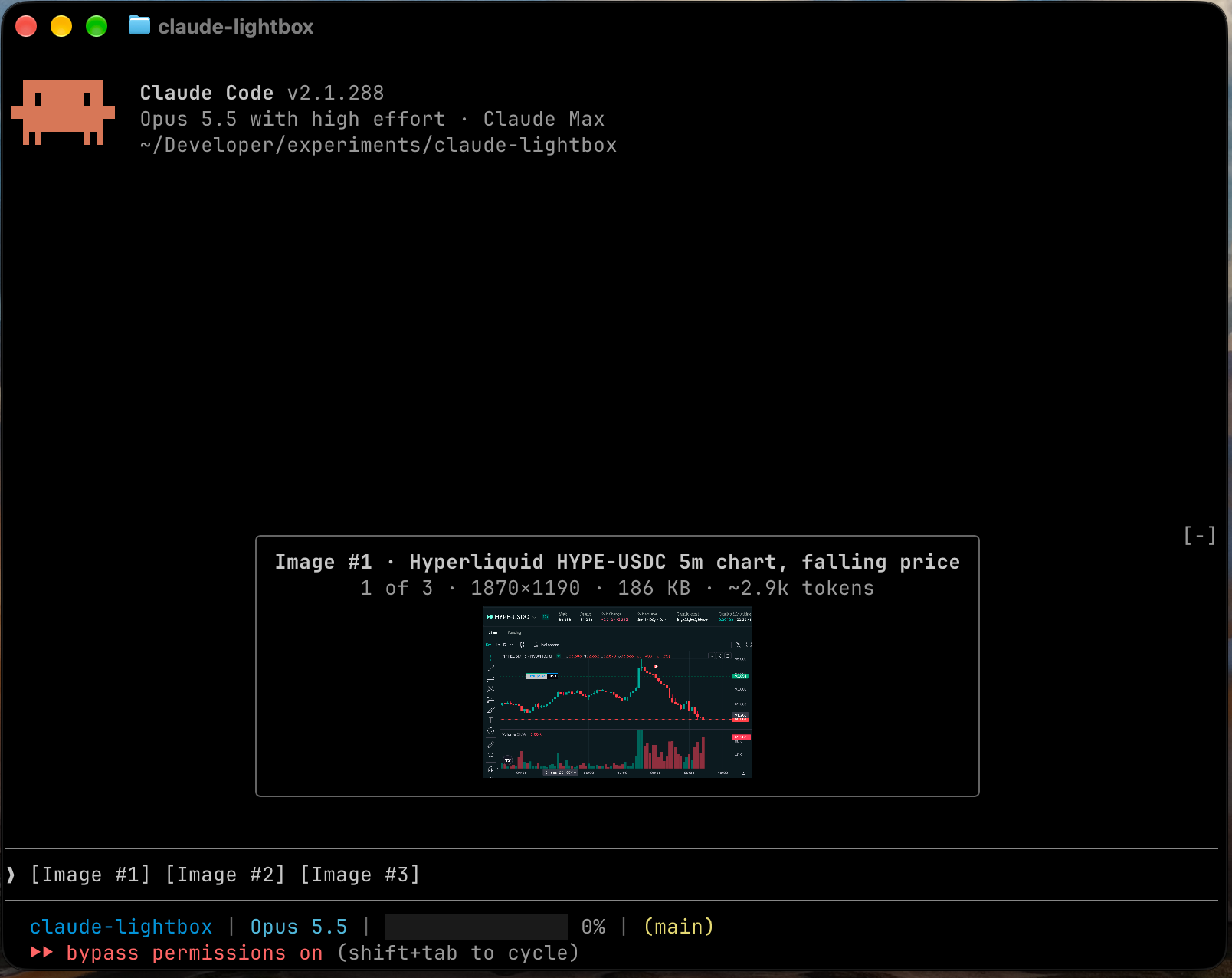
Shows images you paste into the prompt as large previews above it, with caption, size and a token estimate for each.
Install from your shell (answer y to add the marketplace)
$ claude plugin install lightbox --marketplace arihantbansal/claude-lightboxAlready in a session? Type this at the Claude Code prompt:
$ /plugin install lightbox --marketplace arihantbansal/claude-lightboxPick a scope and the mod is active right away. Needs Claude Code 2.1.287 or later, in a terminal. Full install guide
Read from the mod's code with claude plugin validate on Claude Code 2.1.296, synced Oct 12, 2026. This is a capability list, not a security audit. Mods run with your permissions, so install only from authors you trust.
$ claude plugin uninstall lightboxTo switch it off without removing it, use claude plugin disable with the same name.
Add this badge to your README so users can jump to this page for the install command and access report.

[](https://ccmods.app/mods/lightbox)Shows when the prompt cache expires and what a rebuild would cost, with an opt-in auto-refresh while you are away.
$ claude plugin install cache-refresher --marketplace olddonkey/cache-refresherDocks a live stats sidebar beside the session: context use, tokens, cache hit rate and expiry, output speed, tasks and git state.
$ claude plugin install sidebar --marketplace FayequeP/sidebarShows context window usage as a meter above the prompt, with tokens used and tokens left before auto-compact.
$ claude plugin install context-view --marketplace kongyo2/context-view
