
Snake, Tetris, 2048, Minesweeper, Pong and more above the prompt, plus a pet that grows as Claude tests and commits.
UIToolsCommandsModerate access
$ claude plugin install cc-arcade --marketplace sezaakgun/cc-arcade
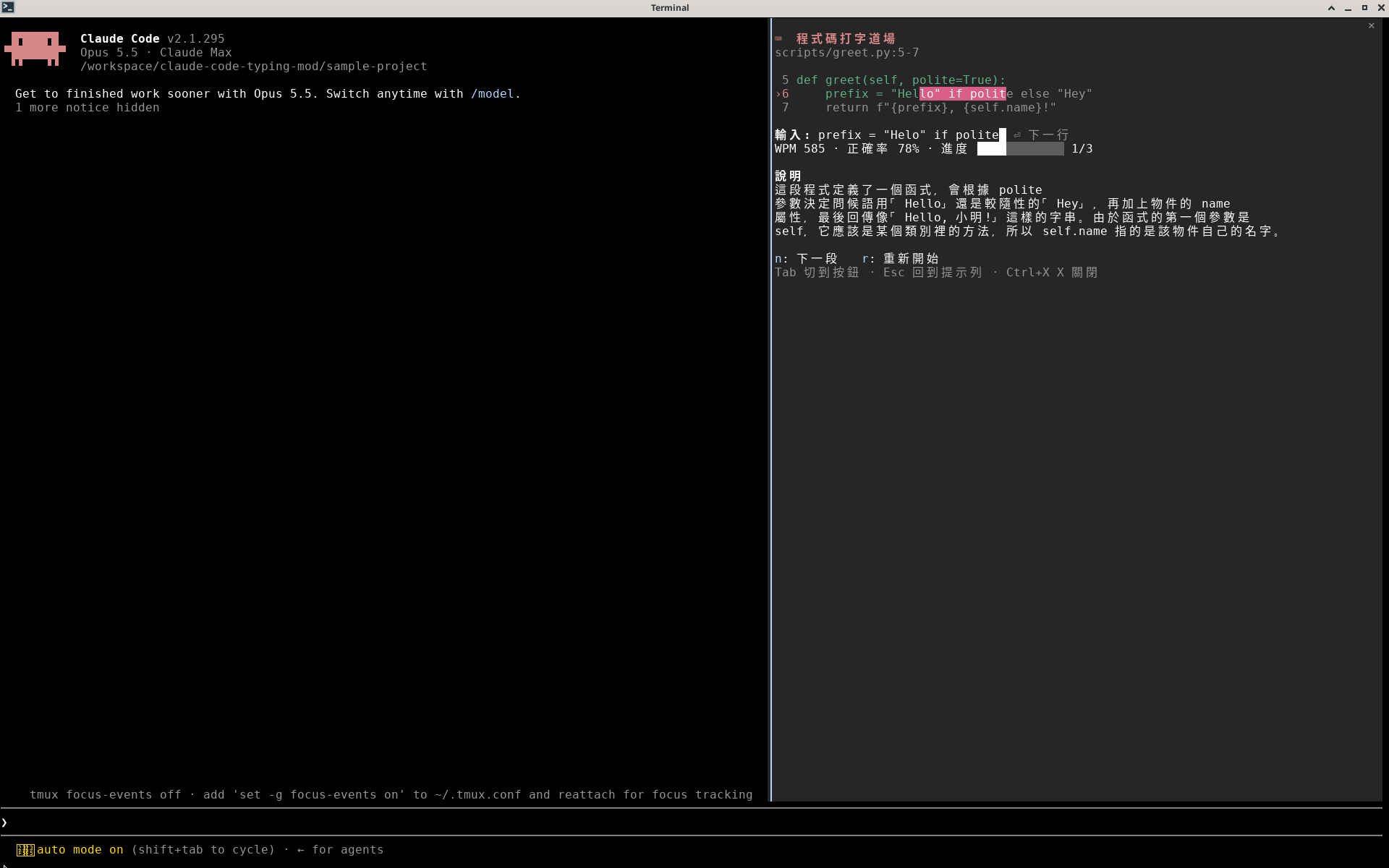
Typing practice in a side pane using 3-12 line snippets from your own project, with per-character coloring, WPM, accuracy and a short explanation.
Install from your shell (answer y to add the marketplace)
$ claude plugin install code-typing-dojo --marketplace oberonlai/claude-code-typing-modAlready in a session? Type this at the Claude Code prompt:
$ /plugin install code-typing-dojo --marketplace oberonlai/claude-code-typing-modPick a scope and the mod is active right away. Needs Claude Code 2.1.287 or later, in a terminal. Full install guide
Read from the mod's code with claude plugin validate on Claude Code 2.1.296, synced Oct 12, 2026. This is a capability list, not a security audit. Mods run with your permissions, so install only from authors you trust.
$ claude plugin uninstall code-typing-dojoTo switch it off without removing it, use claude plugin disable with the same name.
Add this badge to your README so users can jump to this page for the install command and access report.

[](https://ccmods.app/mods/code-typing-dojo)Snake, Tetris, 2048, Minesweeper, Pong and more above the prompt, plus a pet that grows as Claude tests and commits.
$ claude plugin install cc-arcade --marketplace sezaakgun/cc-arcadePlay the daily Wordle, past puzzles or random games in a side pane while Claude works, with stats and a guess distribution.
$ claude plugin install wordle-mod --marketplace Sumo-99/claude_wordle_modThe offline dinosaur runner above the prompt: jump cacti and duck pterodactyls while Claude works, at zero token cost.
$ claude plugin install cc-dino --marketplace manfye/cc-dino
